
Graphics & Design
Scan Workbench
Scan objects with your iPhone, build detailed 3D models on your Mac
Coming Soon
Contact / Support
Scan objects with your iPhone, build detailed 3D models on your Mac
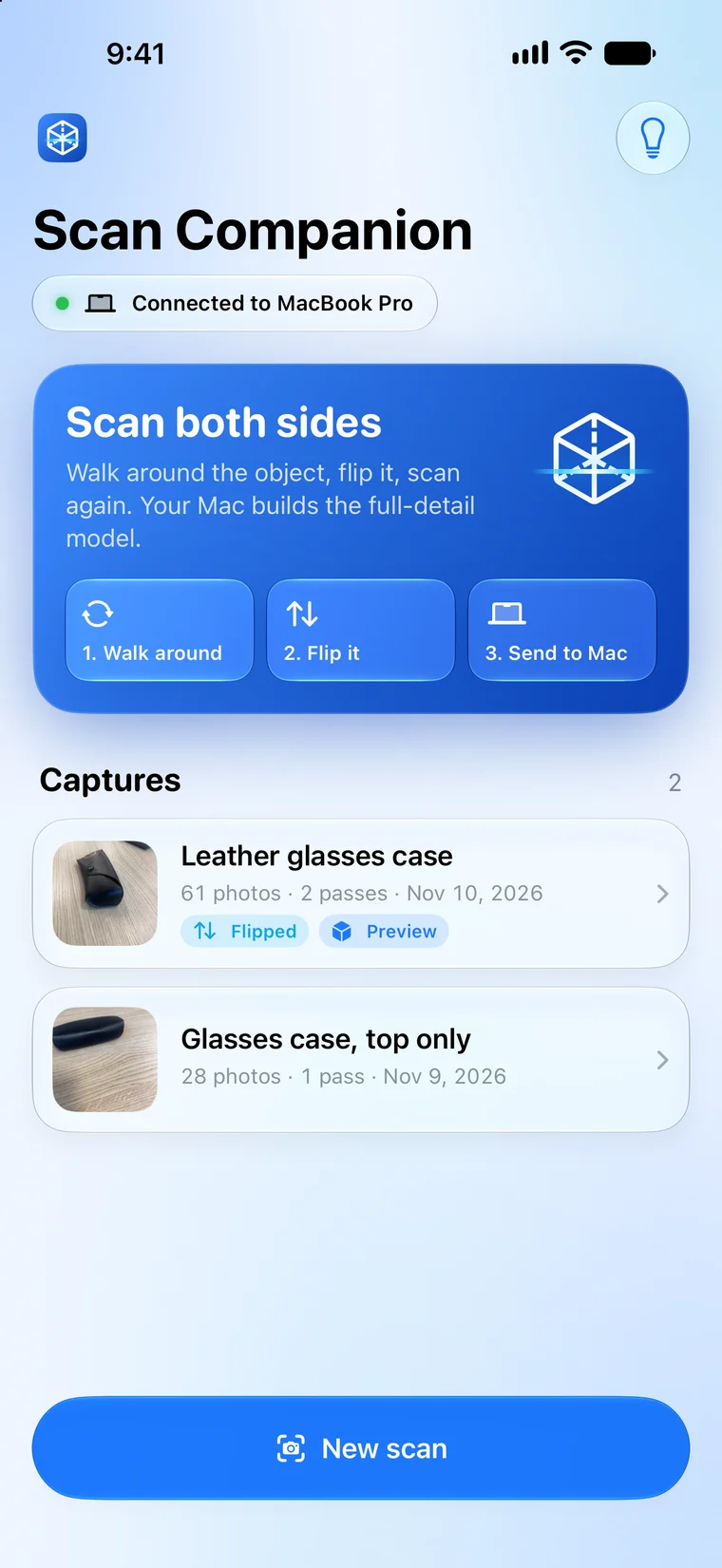
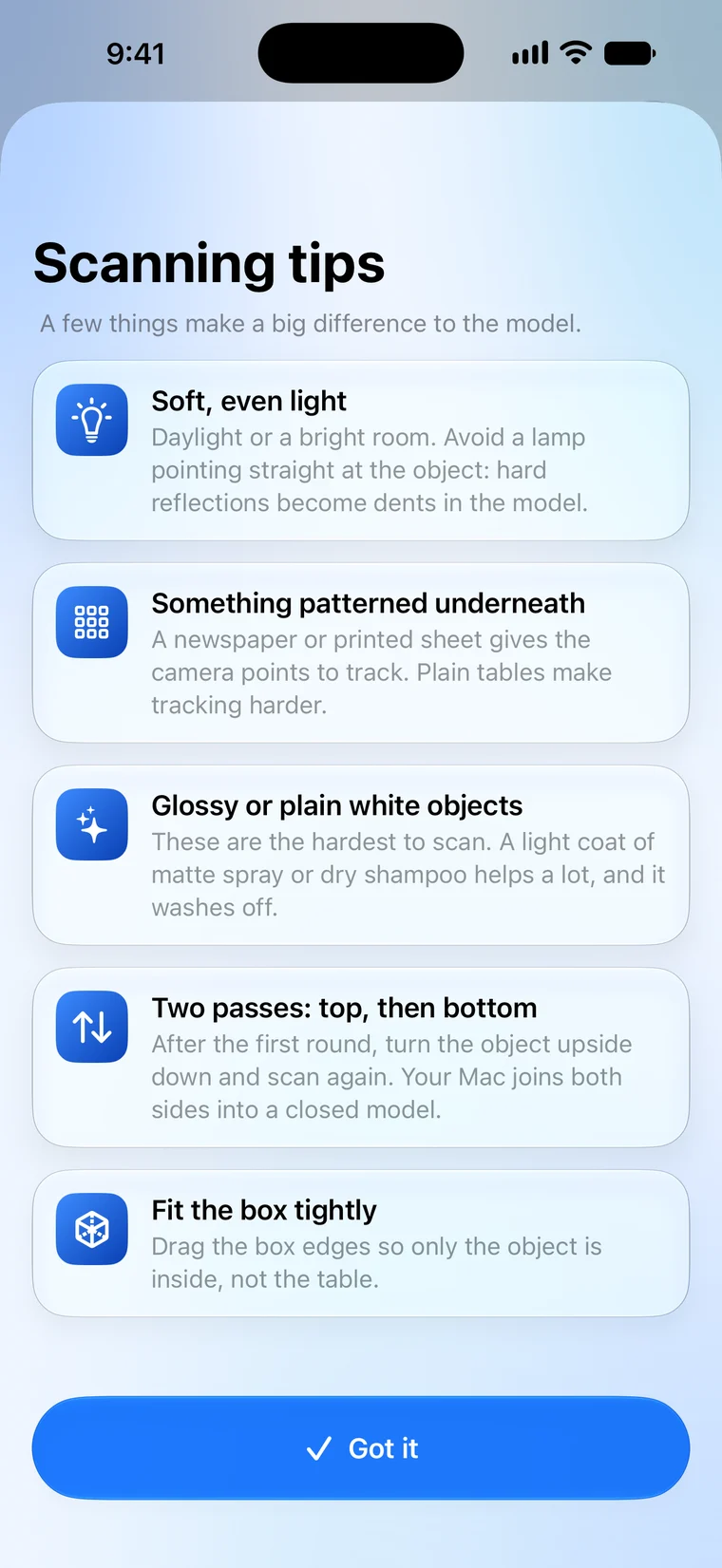
Scan Workbench turns everyday objects into detailed 3D models. Scan Companion on your iPhone or iPad guides you around the object with Apple's Object Capture: walk around it, flip it over, and scan the other side.
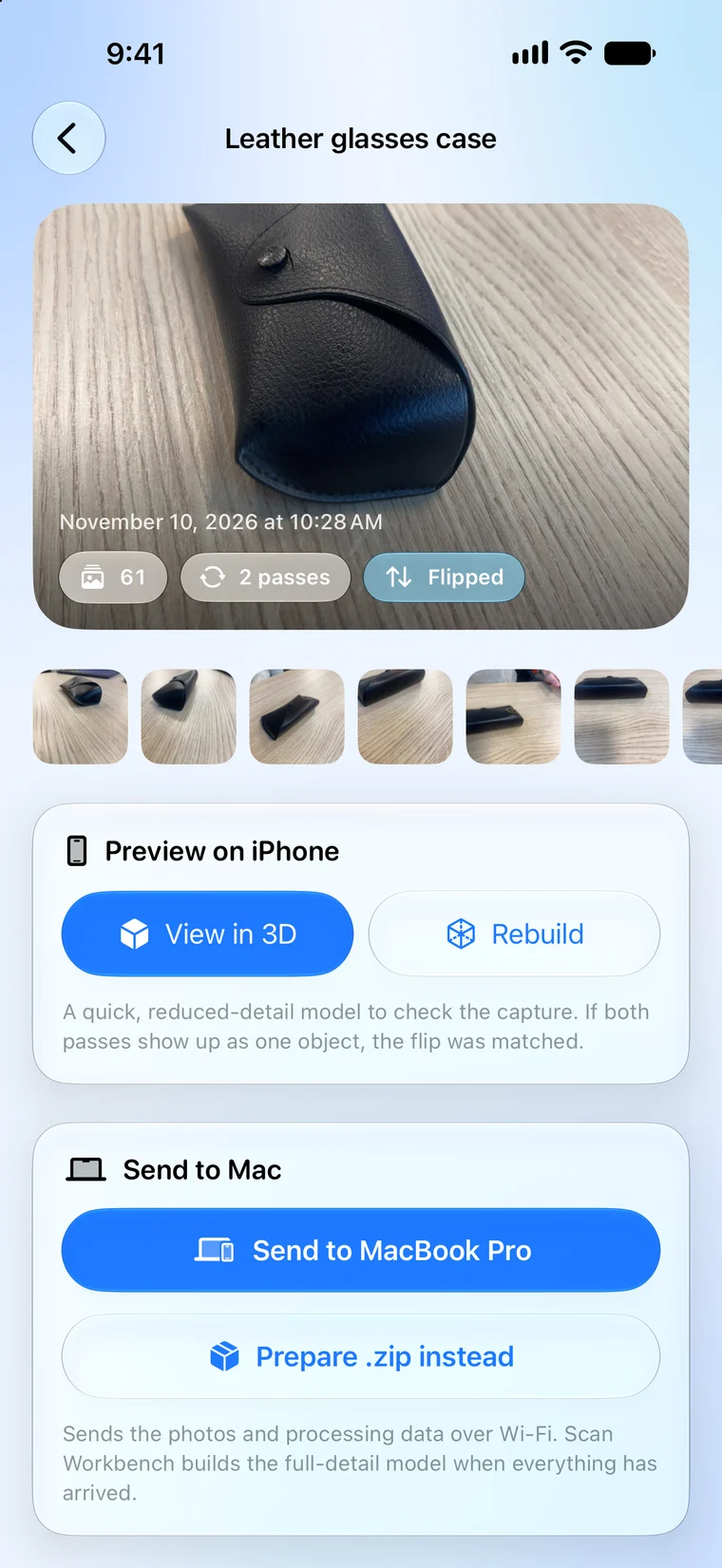
While you scan, the photos travel over your local Wi-Fi to Scan Workbench on your Mac. After each pass the Mac builds a quick 3D preview, so you can check for gaps before you flip the object. When the capture is done, the Mac builds the full-detail model.
On the Mac you can join both sides into one closed object, simplify it and export it for 3D printing, AR or other 3D apps. Everything stays on your own devices: no account, no cloud, no tracking.
Got a question, bug report, or feature request for Scan Workbench? Fill in the form below and I'll get back to you.